

Description
- Website Comment Cleaner – Delete All Comments, Disable Comments, Bulk Delete & Remove Comments** helps you delete, export, import, and disable comments on your WordPress site using an admin dashboard with bulk actions and filters.
This plugin supports:
* Deleting comments by status (approved, pending, spam, trash, or all).
* Optional date-range filtering when bulk deleting.
* Exporting comments to CSV and importing comments from CSV.
* Disabling comments globally or by selected post types.
* Role-based exclusions and scheduled spam cleanup.
Features
- Export comments to CSV from the plugin dashboard.
- Import comments from CSV.
- Schedule automatic spam cleanup (daily, weekly, monthly).
- Configure role-based exclusions and post-type comment settings.
Screenshots
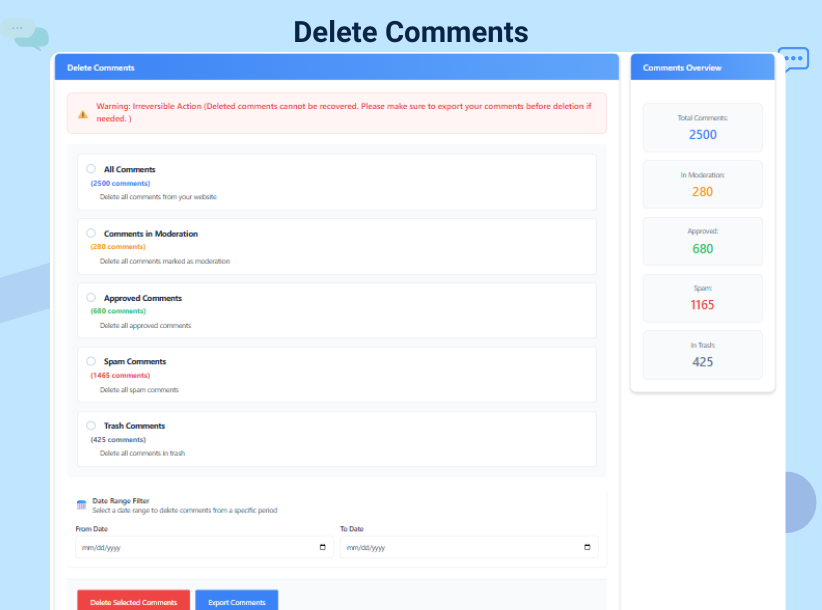
Main dashboard: Easy options to delete all comments. 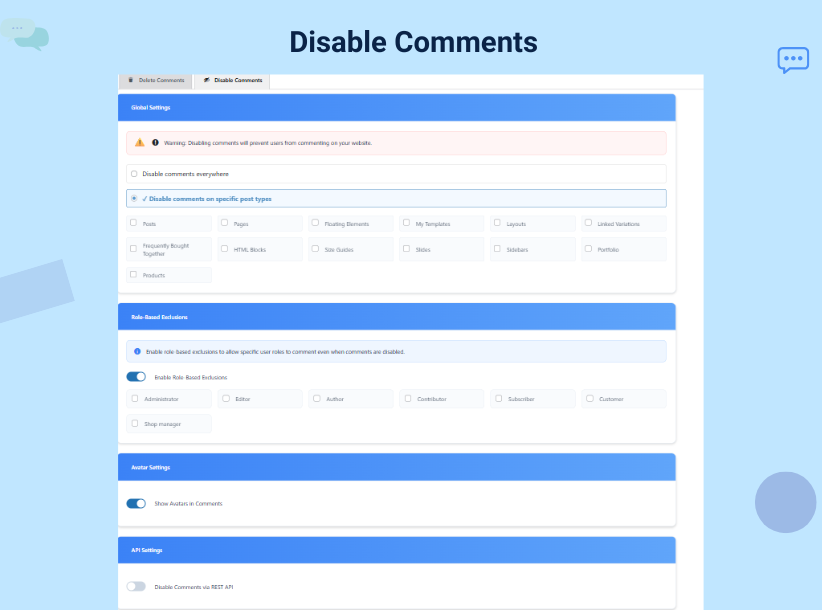
Status filtering: Choose to bulk delete spam or pending items. 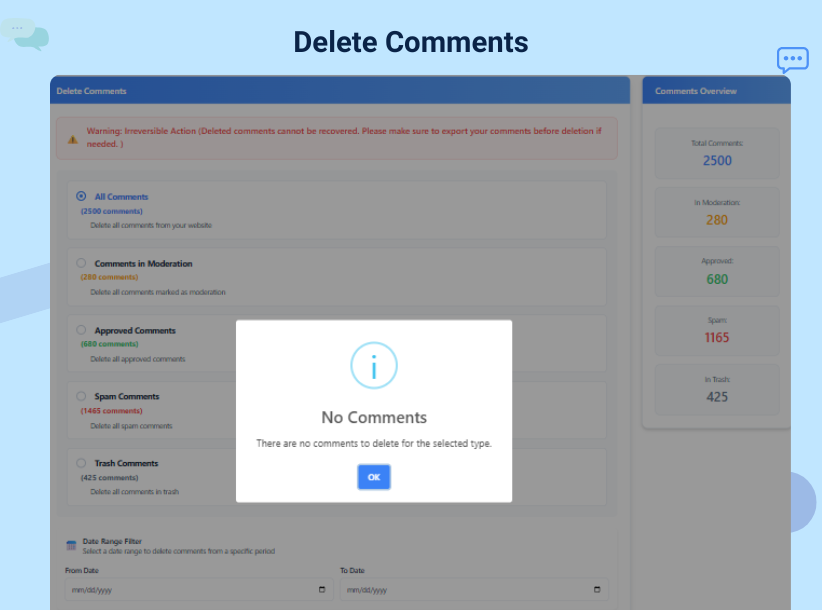
Global Settings: How to disable comments on specific post types. 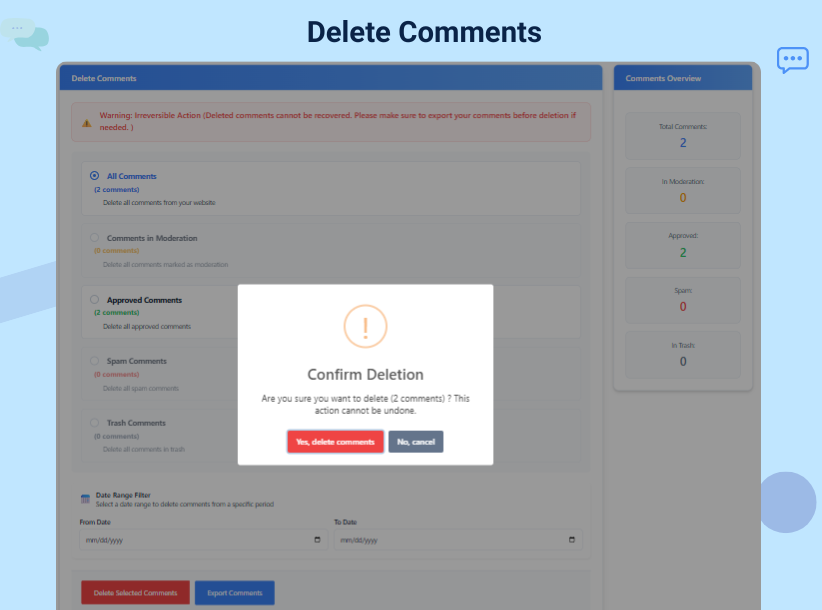
Premium Features: Scheduled cleanup and CSV export options. 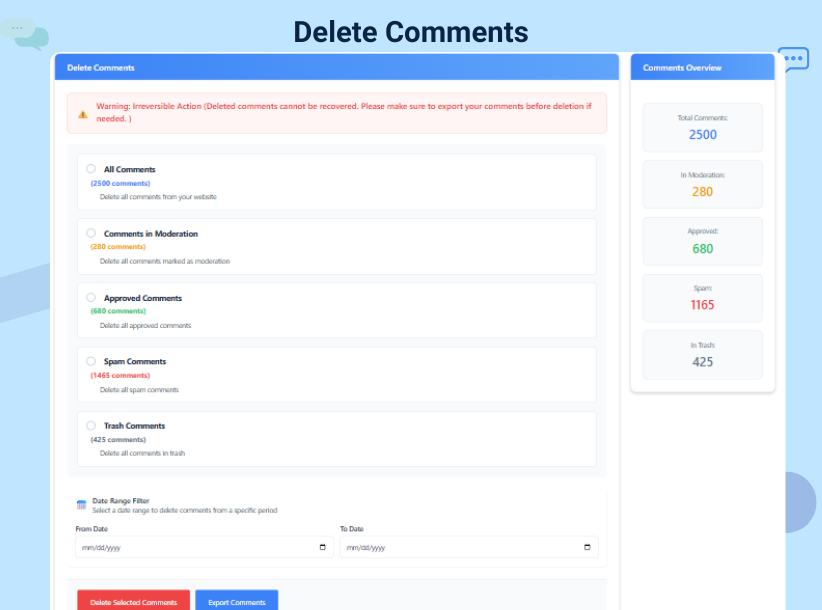
Installation
- Upload the plugin files to the
/wp-content/plugins/wp-comment-cleanerdirectory. - Activate the plugin through the ‘Plugins’ screen in WordPress.
- In the WordPress admin, click Delete Comments in the main menu (it appears just after Comments) to access the dashboard.
- Select your criteria (status, post type, or date) and click to remove comments.
FAQ
-
How do I use this plugin in my language?
-
Set your site language in Settings General (Site Language). If you installed the plugin from WordPress.org, translations for this plugin will be installed automatically when they are available for your language. The plugin interface will then appear in your language.
-
Can I use this to remove comments on specific posts only?
-
Yes! You can filter by post type or comment status to ensure you only remove comments that are no longer needed while keeping your valuable discussions.
-
How do I bulk delete comments without affecting my site speed?
-
Our plugin is optimized for performance. When you perform a bulk delete, the script processes the request efficiently to ensure your server remains stable, even with thousands of entries.
-
Does “Disable Comments” remove existing comments?
-
No. The disable comments feature prevents new comments from being posted on your site. To get rid of existing ones, you should use the delete all comments tool within the plugin.
-
Is it possible to undo a “Delete All Comments” action?
-
Once you remove comments, they are permanently deleted from the database. We recommend exporting a CSV backup before performing a total cleanup.
-
Can I delete comments older than a certain year?
-
Yes! Our Smart Date Filtering allows you to select a specific date range. This is perfect for users who want to remove comments from 2025 or older while keeping 2026 discussions active.
-
Will this help stop comment spam?
-
Absolutely. By using the disable comments feature or the scheduled spam cleanup, you can significantly reduce the manual work required to moderate your site.
-
Does this plugin work with WooCommerce?
-
Yes! It can remove comments and reviews from WooCommerce product pages effectively.
Reviews


Contributors & Developers
“Comment Cleaner — Bulk Delete & Disable Comments” is open source software. The following people have contributed to this plugin.
Contributors
Translate “Comment Cleaner — Bulk Delete & Disable Comments” into your language.
Interested in development?
Browse the code, check out the SVN repository, or subscribe to the development log by RSS.
Changelog
7.0
- Removed locally gated feature restrictions to align with WordPress.org guidelines.
- Replaced remote CDN assets with bundled local assets.
- Hardened nonce handling and output escaping in admin and AJAX flows.
- Added direct file access protection to the main plugin file.
6.9
- Security fix: removed unsafe direct delete trigger from
admin_menu. - Added defense-in-depth capability and nonce validation in bulk delete routine.
- Hardened admin settings save flow with explicit capability verification.
6.2
- Added official plugin logo for better branding.
- Updated “Tested up to” compatibility for the latest WordPress core.
6.1
- Improved UI for better usability and mobile responsiveness.
- Optimized keyword visibility for “remove comments” and “bulk delete.”
- Minor bug fixes in the filtering logic for spam status.
6.0
- Introduced global comment disable feature.
- Added role-based exclusion system for premium users.
- Integrated SweetAlert confirmation for safer deletions.